
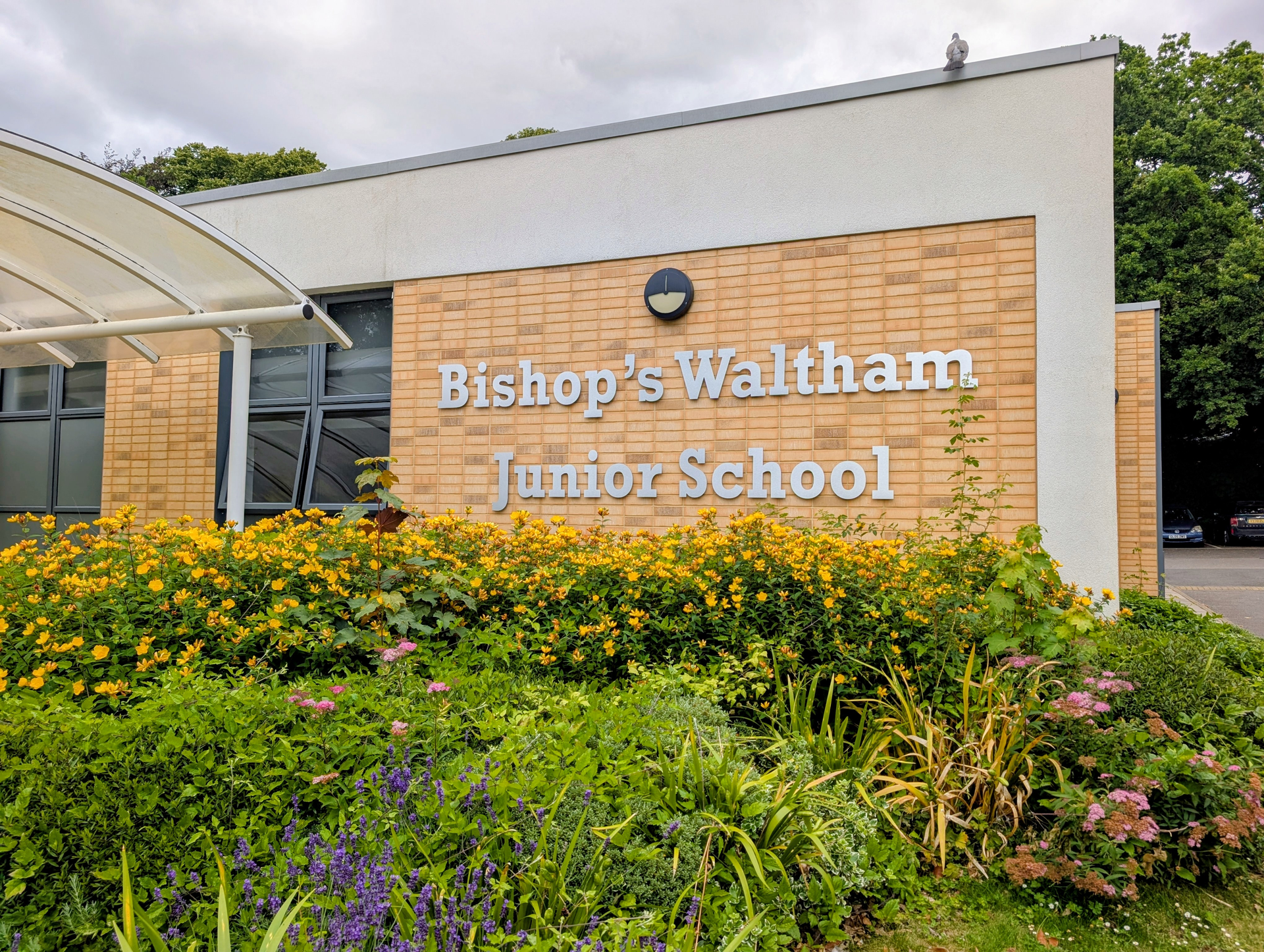
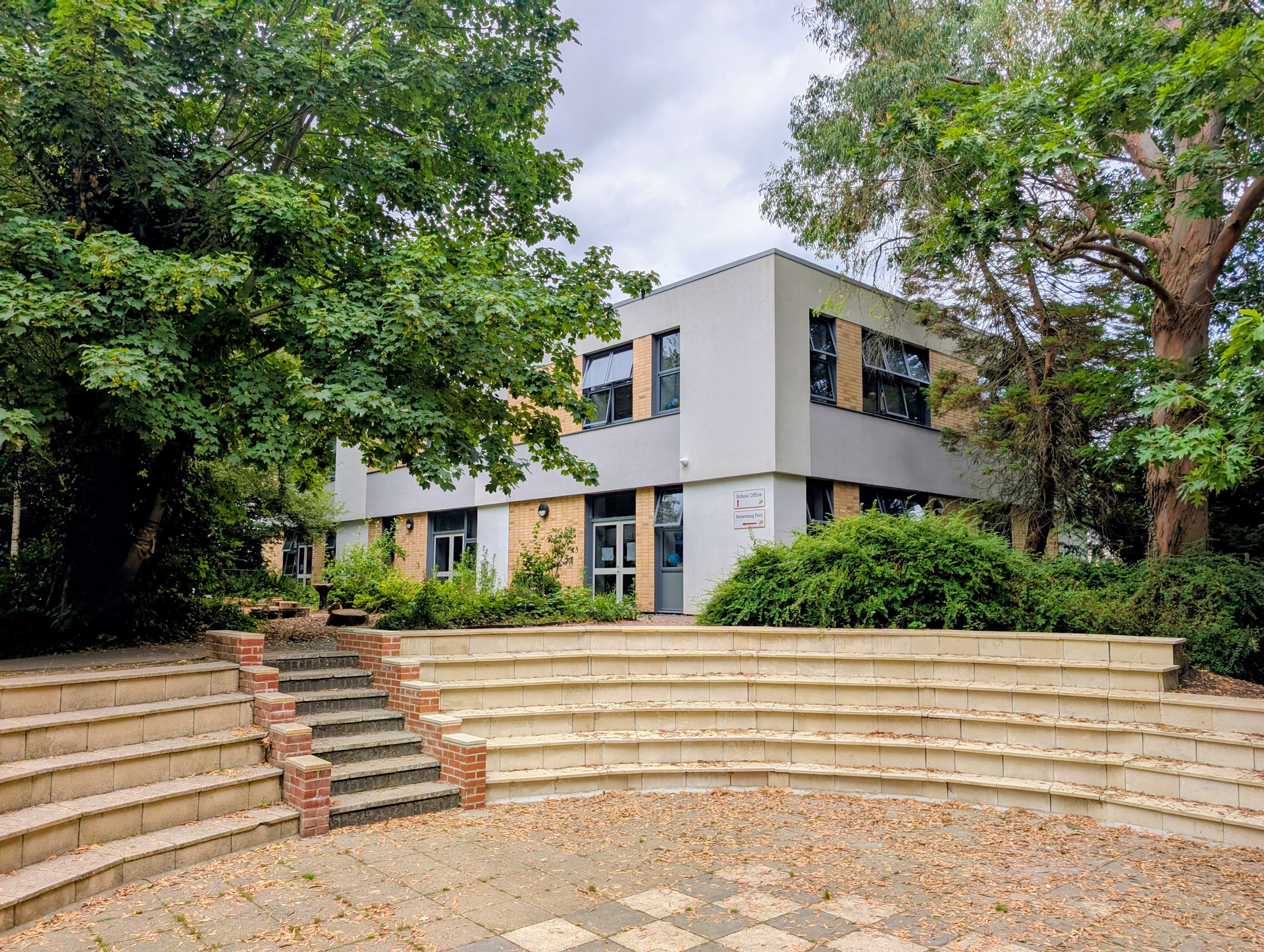
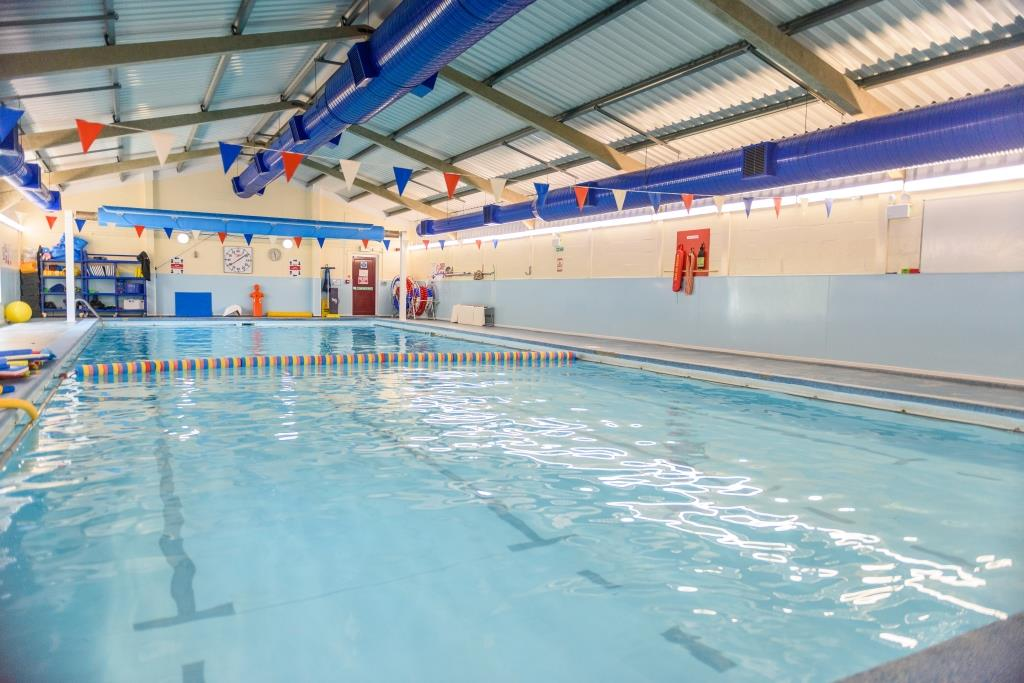
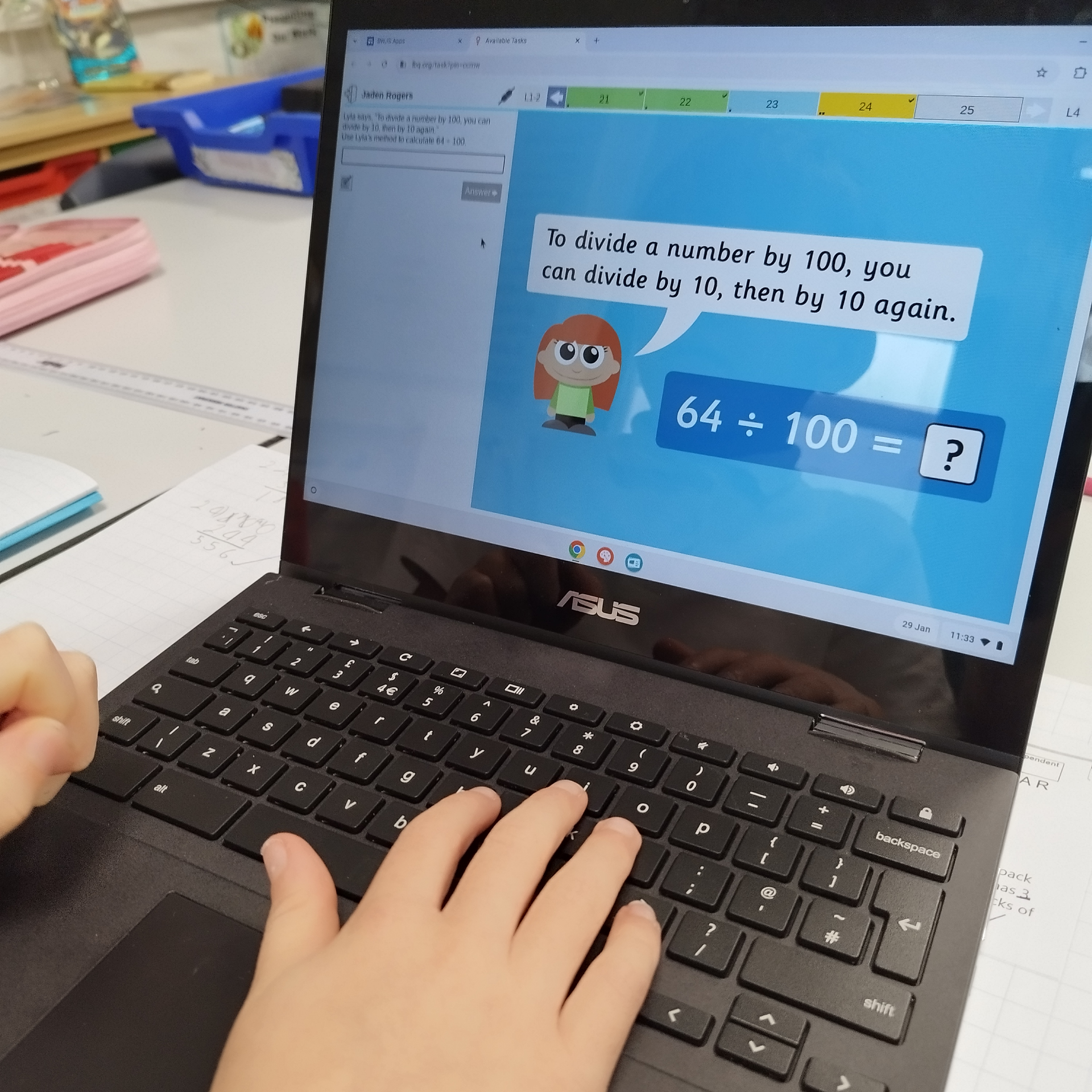
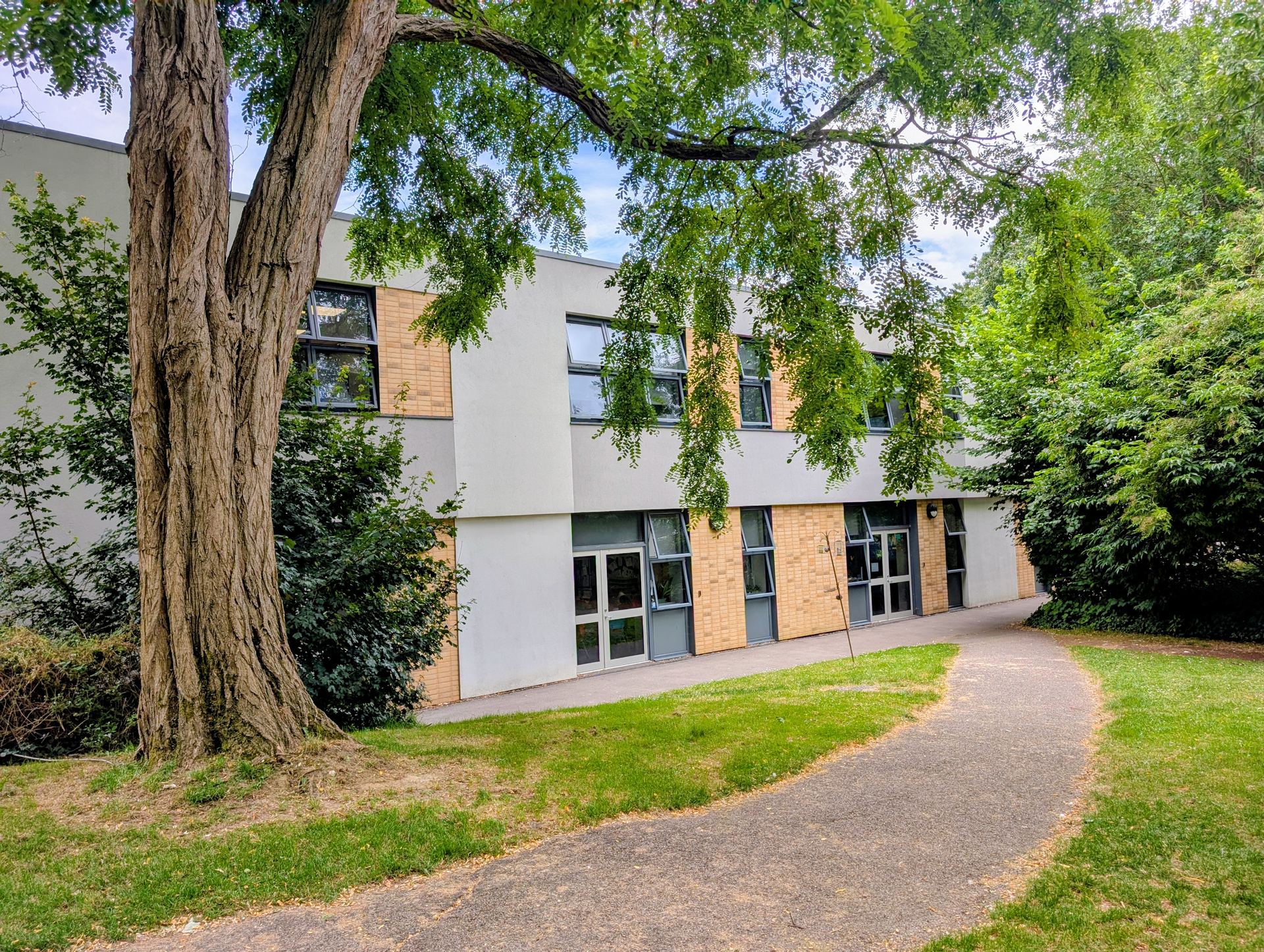
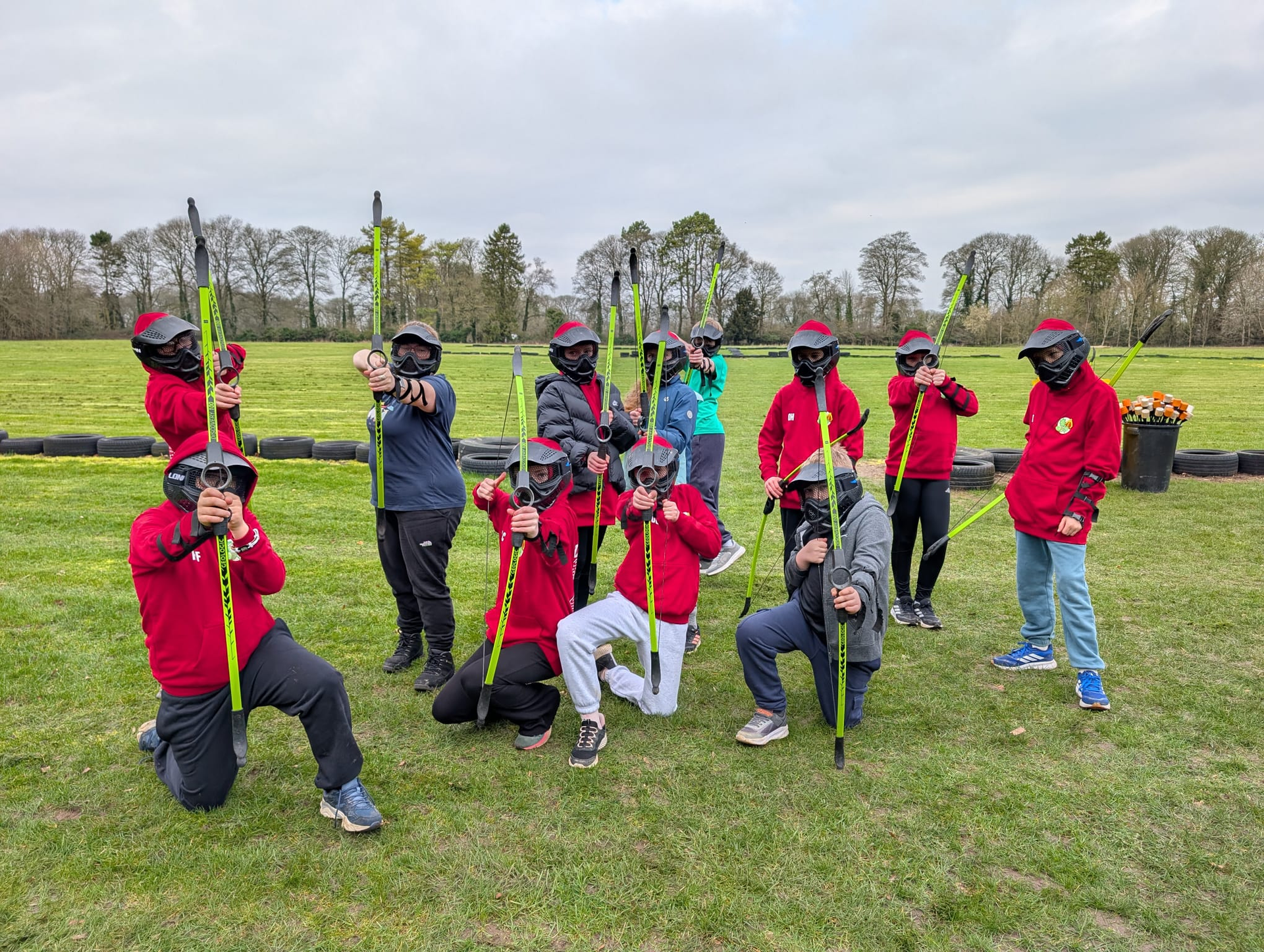
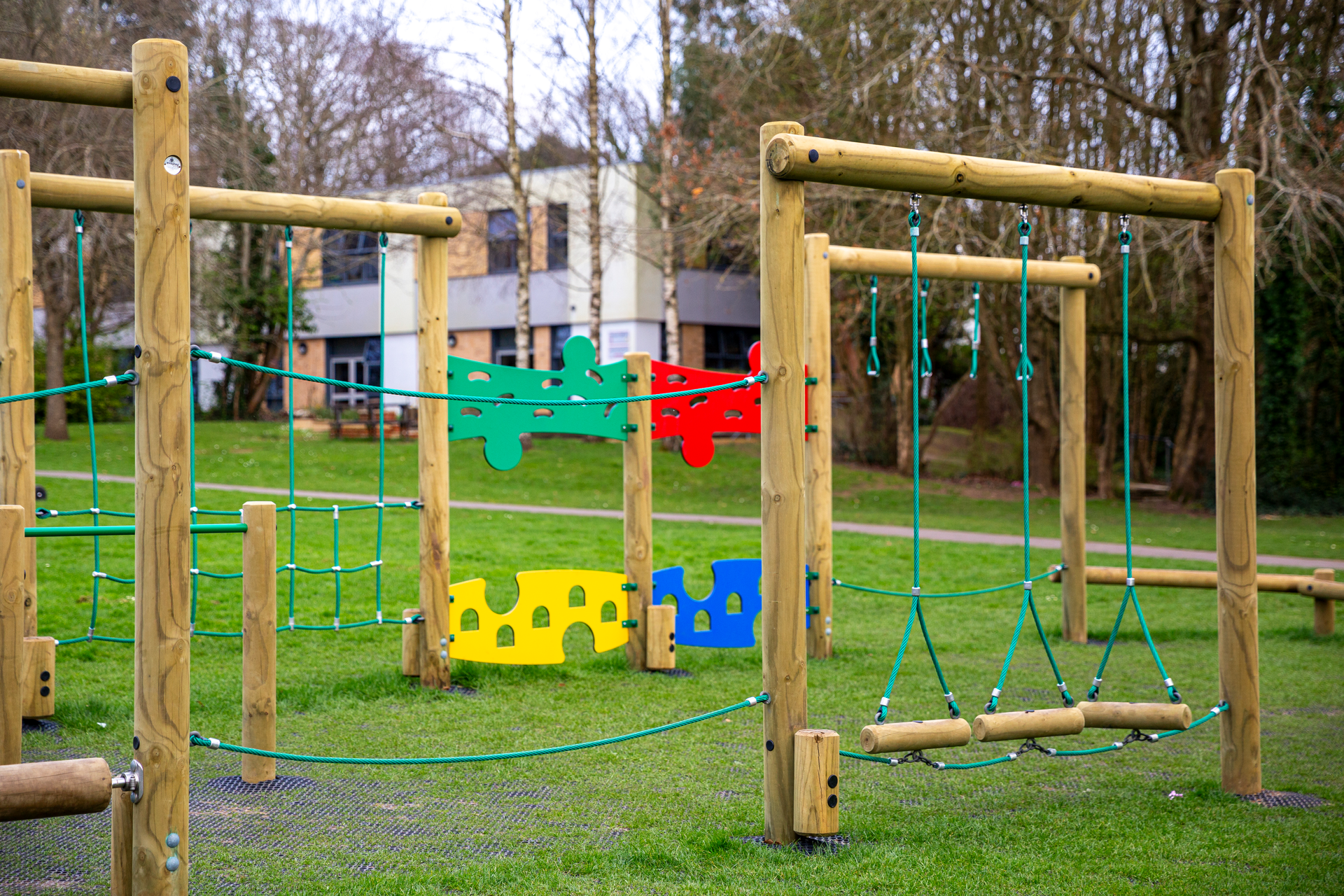
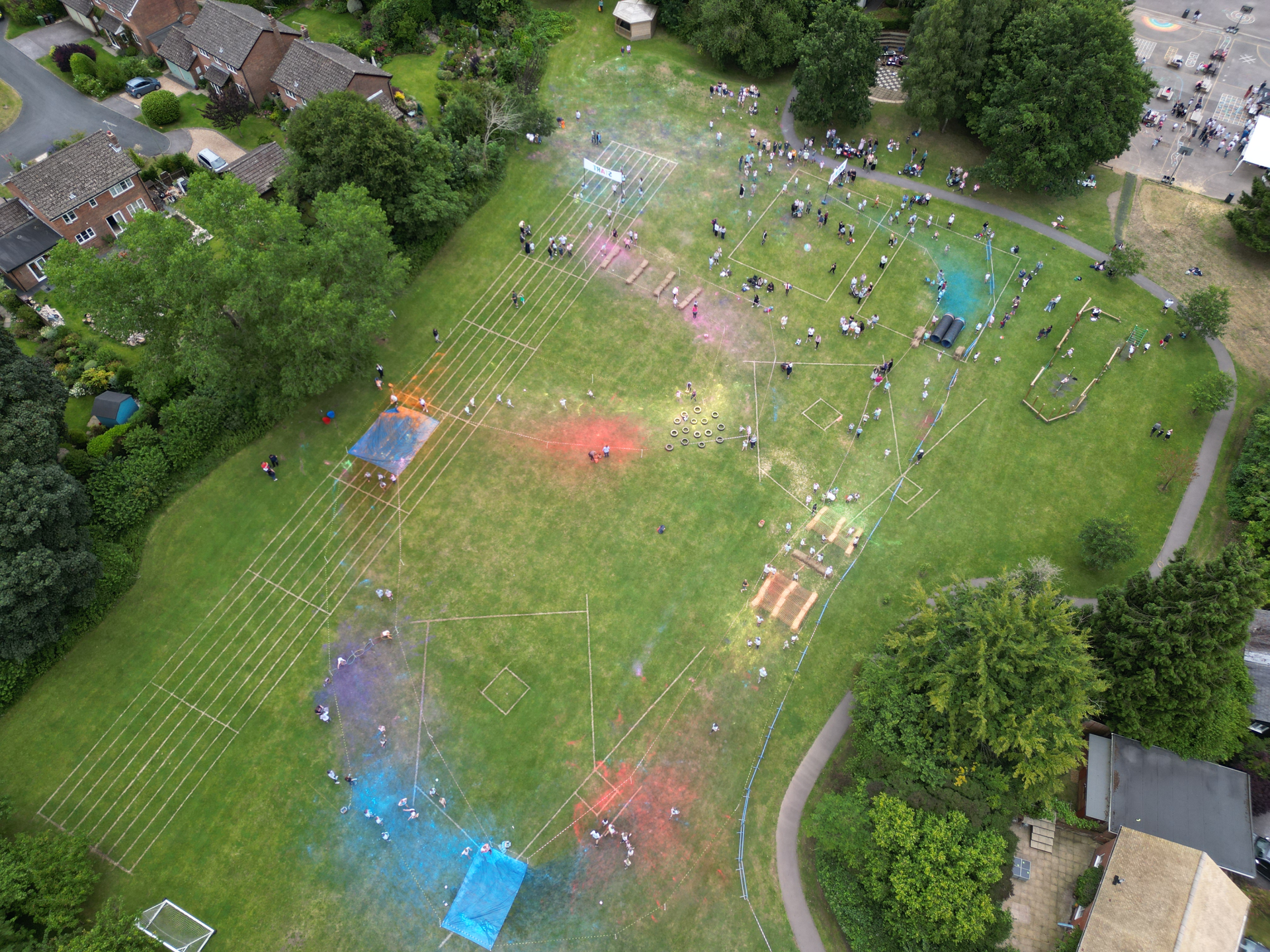
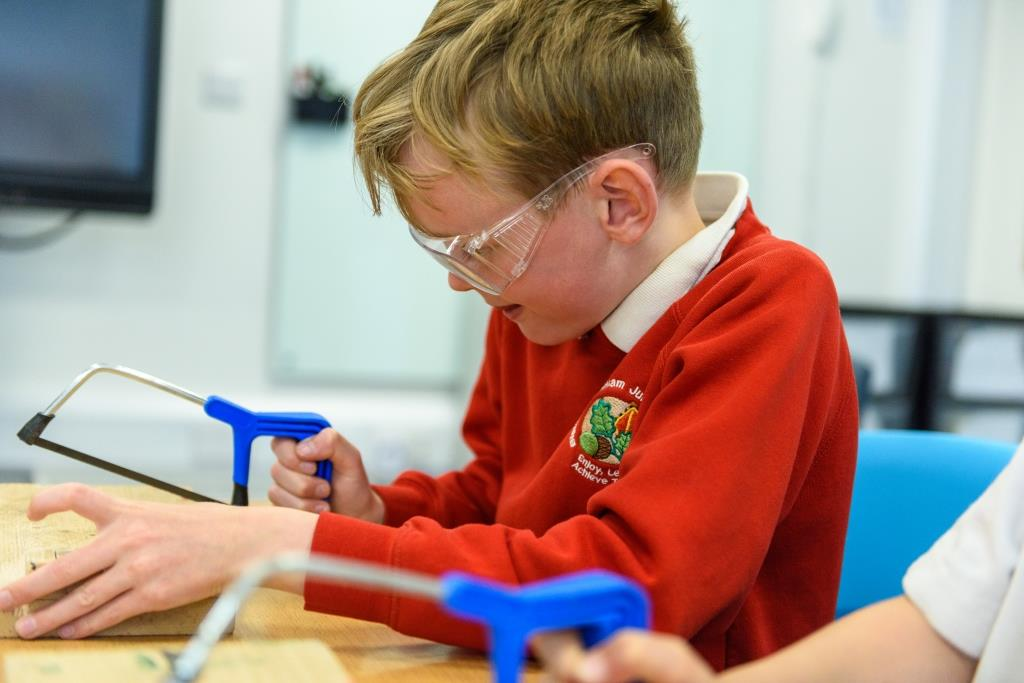
We currently have spaces available in Year 5. Our school features a 20m indoor heated pool, offering weekly swimming lessons for pupils. We provide full wraparound care on-site and offer approximately 20 extra-curricular clubs each term. If you would like to visit the school, please contact us.
Welcome to our school website!
Welcome to Bishop’s Waltham Junior School. I am incredibly proud to lead a school where children are encouraged to enjoy, learn and achieve together each and every day. Our aim is simple: to help every child become the very best version of themselves — academically, personally and socially.
At Bishop’s Waltham Junior, learning is designed to be engaging, challenging and full of opportunities to spark curiosity. We set high expectations for all pupils and have a strong track record of helping them achieve impressive academic outcomes, while also recognising and nurturing the full range of talents they bring.
We are committed to developing well-rounded individuals who are kind, confident and respectful. Behaviour across the school is very good, and our dedicated staff team provides high-quality pastoral support alongside excellent teaching. Children with additional needs are supported through robust systems and the expertise of our qualified SENDCO, ensuring that every learner is valued and included.
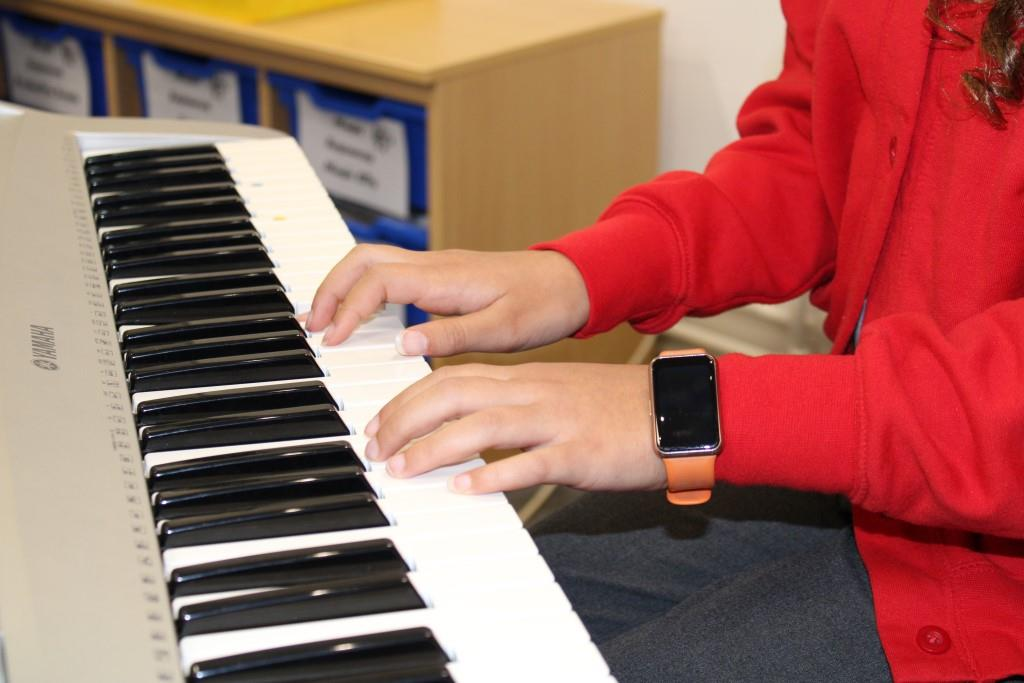
Beyond the classroom, pupils enjoy a rich selection of enrichment opportunities, including weekly swimming lessons in our on-site heated pool and an exciting programme of sporting, musical and creative activities. These experiences help our children build resilience, discover new interests and learn more about themselves as developing young citizens.
It is a privilege to work with such enthusiastic pupils, dedicated staff and supportive families. If you would like to know more about life at Bishop’s Waltham Junior School or arrange a visit, please do get in touch — we would be delighted to welcome you.
Darren Campbell
Headteacher
A place where excellence, effort and happiness are valued in equal measure.
Latest News
Year 4 Update- Friday 13th March 2026
Year 4 have enjoyed a fantastic World Book Day and have created some lovely work! The whole day was focused around the book “Here We Are- Notes for Living on Planet Earth” by Oliver Jeffers.
Firstly, we thought about special people in our lives. We discussed why they were special to us and what we would like to say to them. Then the children wrote a letter to their chosen special person, put it into a card and decorated it with things their special would enjoy. Their ideas were lovely and we hope you enjoyed reading the finished cards!
Secondly, we completed an art activity thinking about features of animals and then combining them to create our own imaginary creature (or amalgamation of two creatures.) After creating a detailed sketch we used soft pastels to add colour and shading.
Finally, we worked together to create posters about our notes for planet Earth- what we thought was important and what we want future generations to learn.
Other bookish activities included a Parent and child read together at the start of the day and an opportunity to take part in a book swap- overall it was a great day and hopefully encouraged the children to read and explore books even more!
DSC01697.JPG
DSC01698.JPG
DSC01699.JPG
DSC01700.JPG
DSC01701.JPG
DSC01702.JPG
DSC01703.JPG
DSC01704.JPG
DSC01705.JPG
DSC01706.JPG
DSC01707.JPG
DSC01708.JPG
DSC01709.JPG
DSC01710.JPG
Year 3 Learning Update Friday 13th March 2026
In Year 3 this week, the children have been working hard across the curriculum and have enjoyed a range of creative and challenging activities.
In English, we have begun an exciting new text, Escape from Pompeii. The children have been exploring the story and learning about the dramatic events surrounding the volcanic eruption. Using this as inspiration, they have started planning and writing their own narrative about escaping from a volcano, focusing on describing the action and building tension in their writing.
In PE, we have been developing our dance skills by learning and performing a fun robot dance. The children worked on controlling their movements, creating sharp robotic actions and linking movements together to form short sequences.
In Art, the class explored the work of Eduardo Paolozzi and used his style as inspiration to design decorative relief tiles. After creating their designs, the children brought them to life by making their tiles from clay, carefully shaping and pressing patterns into the surface. They showed great creativity and concentration during this process.
In Math's, we have been continuing to develop our mental strategies for addition and subtraction. The children practiced adding and subtracting 1s, 9s, 10s, and 100s, from three-digit numbers, helping them to build confidence with place value and mental calculation.
It has been a busy and productive week and the children should be very proud of their hard work.
No Events to show
Help - Adding External Calendars
Below you will find instructions on how to add calendars from different platforms:
Google Calendar
- 1. Open Google Calendar in your browser
- 2. Click the settings gear icon next to your calendar
- 3. Select "Settings and sharing"
- 4. Scroll down to "Access permissions" section
- 5. Copy the "Public URL to this calendar" link
- 6. Paste the link in the "Calendar link" field
https://calendar.google.com/calendar/embed?src=example@gmail.comOutlook Calendar
- 1. Open Outlook Calendar in your browser
- 2. Click "Share" next to your calendar
- 3. Select "Publish calendar"
- 4. Copy the "ICS" or "Web link"
- 5. Paste the link in the "Calendar link" field
https://outlook.live.com/calendar/action/view?id=exampleApple iCloud Calendar
- 1. Open iCloud Calendar in your browser
- 2. Click "Share" next to your calendar
- 3. Select "Public calendar"
- 4. Copy the "Public calendar" link
- 5. Paste the link in the "Calendar link" field
https://p123-calendars.icloud.com/published/2/exampleICS File
- 1. Find a link to an .ics file
- 2. The link must end with .ics
- 3. Paste the link in the "Calendar link" field
- 4. Example: https://example.com/calendar.ics
https://example.com/calendar.ics